A soundbar that powers on but produces no audio, restarts repeatedly, loses wireless connectivity or fails to communicate with a television can have several possible causes. BOSE SERVICE follows a diagnosis-first approach to identify the actual fault before recommending repair or replacement.
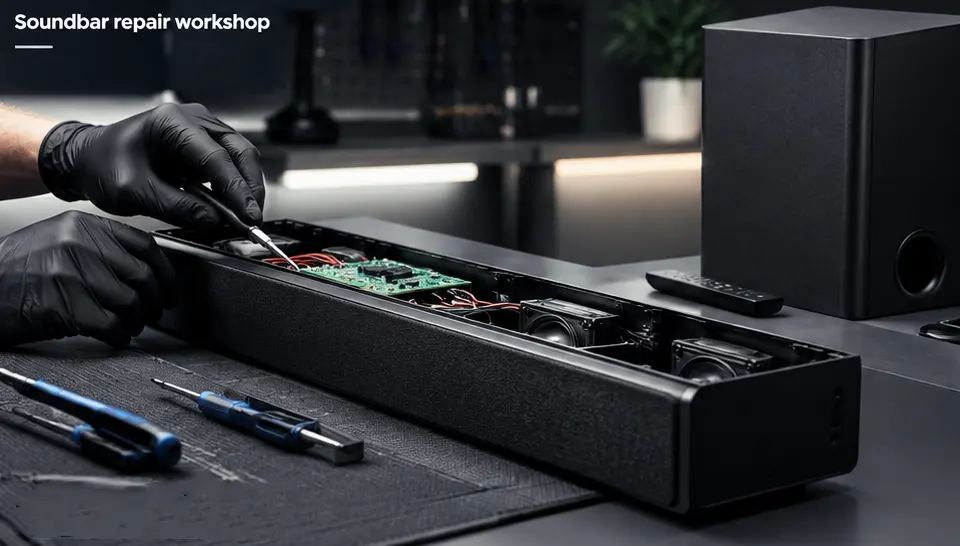
These are some of the problems that can be inspected. The actual repair method depends on the fault identified during diagnosis.
Soundbar completely dead, no startup response, intermittent power or unexpected shutdowns.
The Soundbar appears to operate but produces little or no audio output.
Crackling, buzzing, intermittent sound or unusual audio behaviour.
Television connection problems, intermittent audio or HDMI communication issues.
Pairing failures, connection drops or devices not being detected correctly.
Wireless connectivity problems, network drops or difficulty connecting to the network.
The soundbar repeatedly restarts, freezes or shuts down during operation.
Problems involving microphone-related functions can be inspected as part of diagnosis.
Internal power, circuit, connector or component faults may be repairable depending on condition.
A problem with a smart soundbar does not always mean
the complete unit needs replacement.
The correct approach is to identify the fault and
determine whether the affected electronics or
components can be serviced.
Compare the benefits of repairing your existing board instead of replacing the complete board.
Share the model and describe the problem with your unit.
The unit is inspected to identify the actual fault.
The repair approach depends on the condition and fault found.
The repaired unit is checked for relevant functionality.
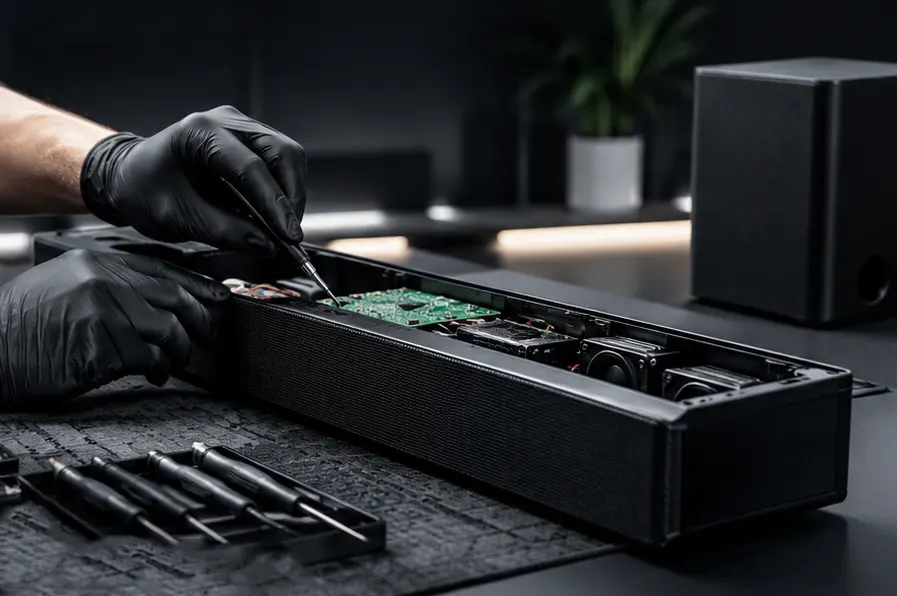
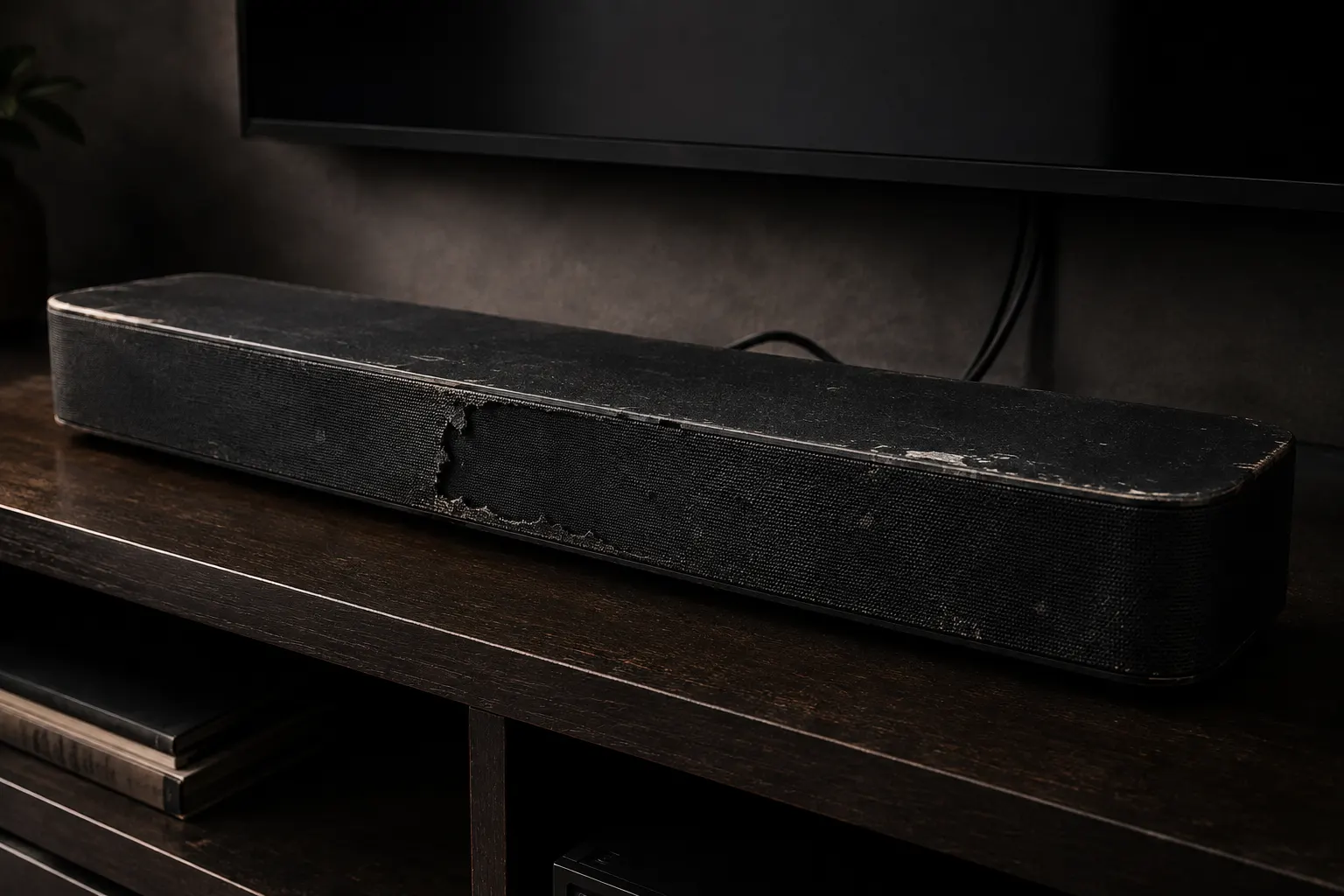
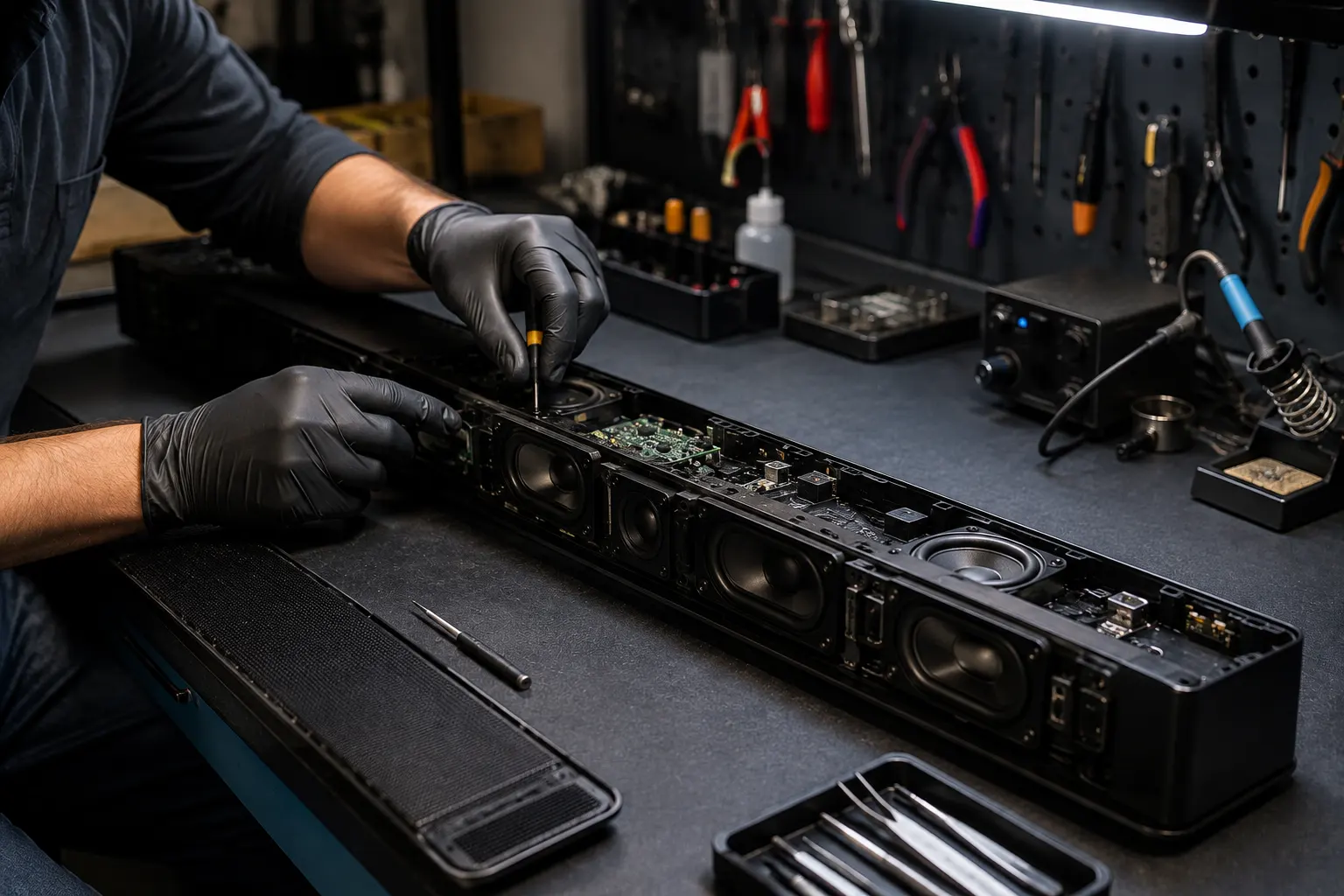
Replace these image placeholders with your actual repair photographs.
We identify the actual fault before recommending a repair.
Relevant electronic and component-level faults can be assessed.
The repair assessment is based on the specific device and fault.
Understand the condition of your device before deciding on the next step.
Tell us what is happening with your Soundbar and get assistance with the next step.