Bose S1 Pro+ Repair

Test Before Repair Real fault, not a guess
Channel & Input Tests Combo jacks and aux
Battery & Power Checked under load
Estimate After Testing Cost follows the fault
Bose S1 Pro+

A working musician's speaker, working hard every gig.

The S1 Pro+ is a battery-powered PA system with a three-channel mixer, two combo XLR and quarter-inch inputs, aux inputs, an XLR line output, Bluetooth streaming and ToneMatch processing. It gets carried, plugged and unplugged constantly, and pushed loud for hours. That puts real wear on its input sockets, battery and power section. When yours misbehaves, we trace the exact part responsible and explain what a repair involves, ideally before your next show.
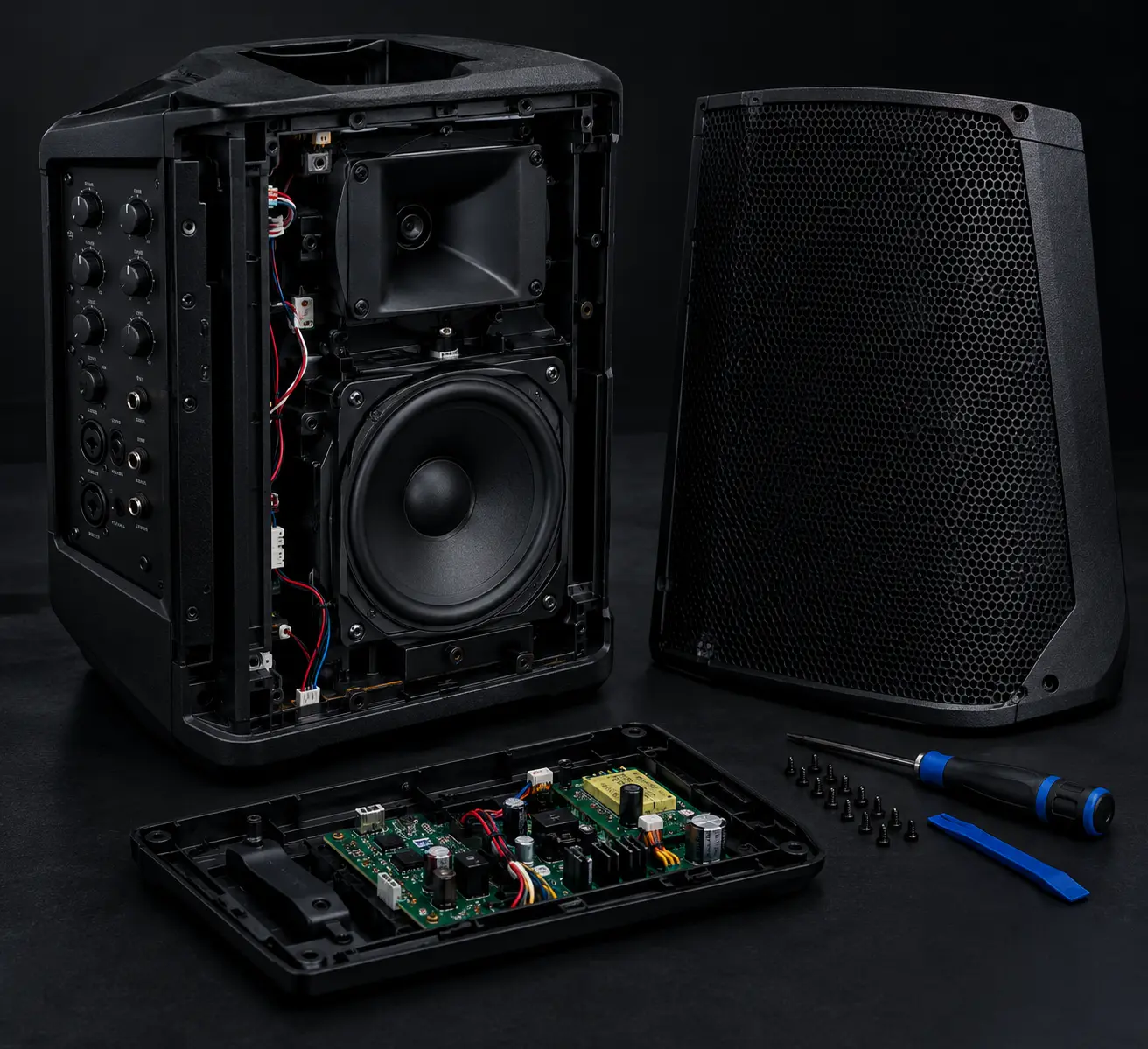
Bose S1 Pro+ opened for repair
S1 Pro+ On The Bench

What Gets Checked

  • Power-on on battery and on mains
  • Battery strength and charging
  • Both combo XLR / quarter-inch inputs
  • Aux inputs and Bluetooth channel
  • XLR line output
  • Output stage and driver at high volume
  • Bose Music app connection
Symptoms We See

What Goes Wrong With The S1 Pro+

Match your unit's behaviour below. Several faults look alike, so the speaker is tested before any decision is made.

Will Not Power On

No response on battery or on mains, or it dies a moment after starting.

Battery Does Not Last

Runs only briefly off mains, or the battery will not charge fully.

Mic Channel Dead

No signal on one combo input while the other channel works normally.

Crackling Inputs

Noise, dropouts or a loose-feeling socket when a cable is moved.

No Output At All

Powers on and shows activity, but nothing comes out of the speaker.

Distortion or Cut-Out At Volume

Breaks up or shuts down when pushed to performance level.

Bluetooth or App Problems

Drops the stream, will not pair, or the Bose Music app cannot find it.

Line Out Or Transmitter Dock Faults

No signal from the XLR line output, or an optional wireless transmitter will not charge.

Knock, Spill or Transport Damage

Erratic after a fall, a spill or a rough ride in the boot.

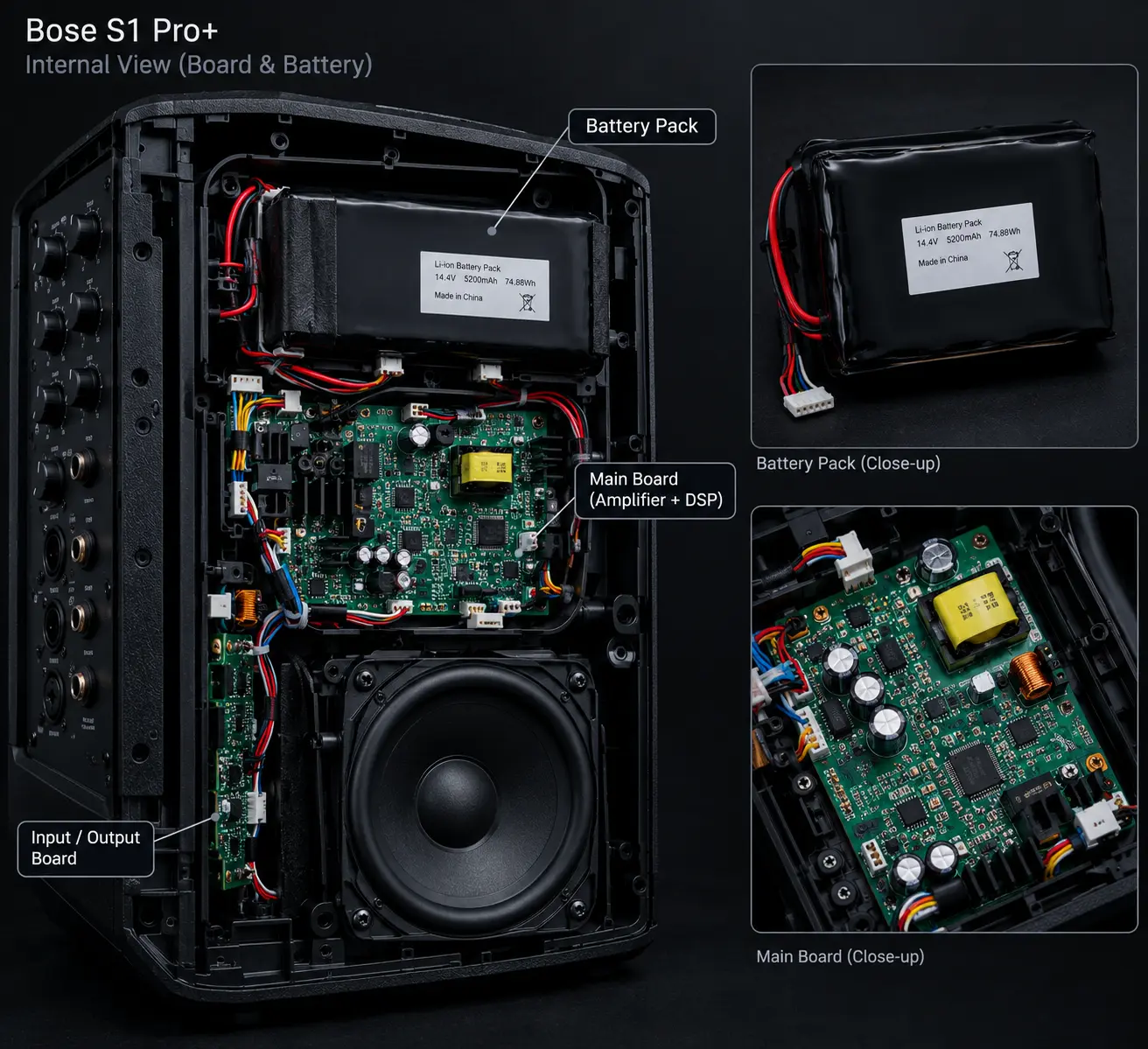
Bose S1 Pro+ internal board and battery
Board & Battery Inspection
Before You Replace It

A pro speaker deserves a proper diagnosis.

Most S1 Pro+ failures are not the whole system. They are a single worn input socket, a tired battery or a stressed solder joint, and the driver and enclosure are usually still sound. Replacing a unit you depend on for income, or for the next event, without checking is an expensive way to find out.

We find the failed part, explain the repair and let you weigh it against buying a replacement.

  • Failed part identified, not guessed
  • Inputs, battery and power tested separately
  • High-volume behaviour checked after repair
  • Repair weighed against replacement
WEIGH IT UP

Is Your S1 Pro+ Worth Repairing?

It depends on what has failed. Compare the two routes before you spend.

SKIP THE CHECK

Replace With A New Unit

You Pay The price of a new unit
Cause Of Failure Left unknown
Existing Speaker Usually discarded
Drawback Good hardware may be wasted
BOSE SERVICE OPTION
TEST FIRST

Diagnose, Then Decide

You Pay Quoted after testing*
Cause Of Failure Pinned down on the bench
Existing Speaker Kept in use if repairable
Approach Only the failed part is fixed
Note: *The estimate is set by the fault found and the part involved.
The Steps

Four Steps Back To The Stage

01

Describe The Fault

Tell us the symptom, which channel or input is affected and when it happens.

02

Open & Measure

Power, battery, inputs and output stage are checked one at a time.

03

Straight Recommendation

You are told what failed, whether to repair it and what that would cost.

04

Soundcheck

Every channel, Bluetooth and output are tested at volume before it is returned.

Our Work

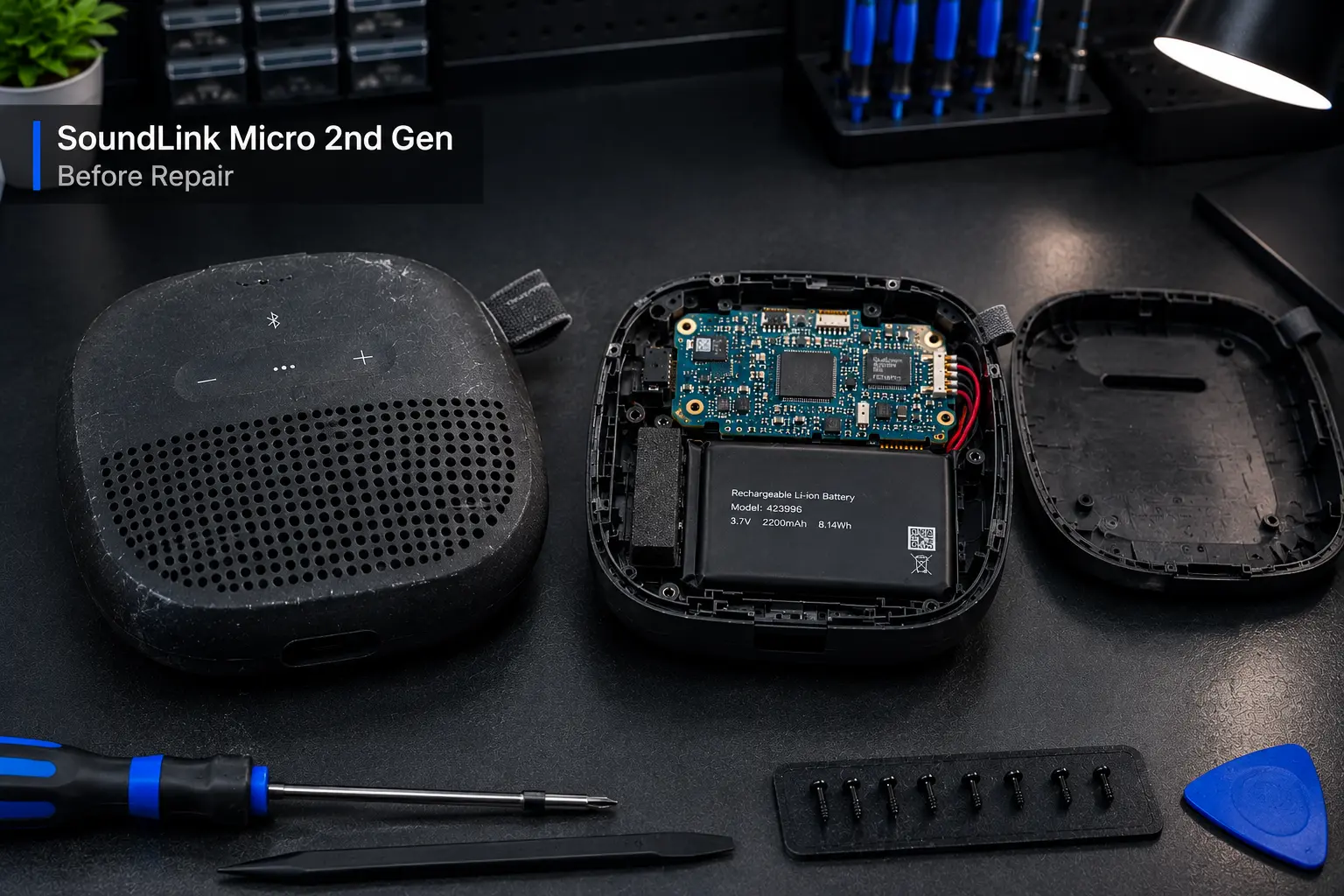
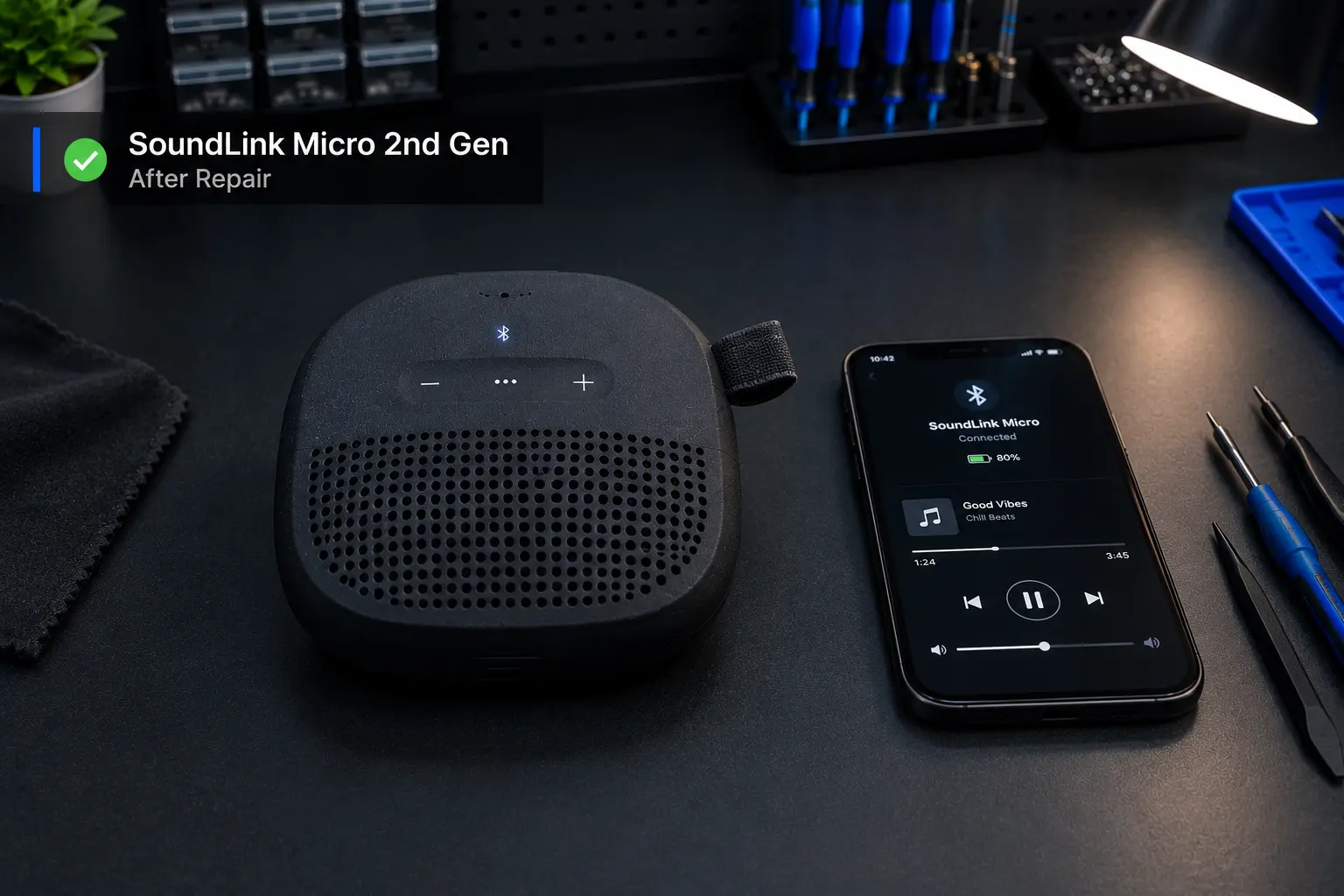
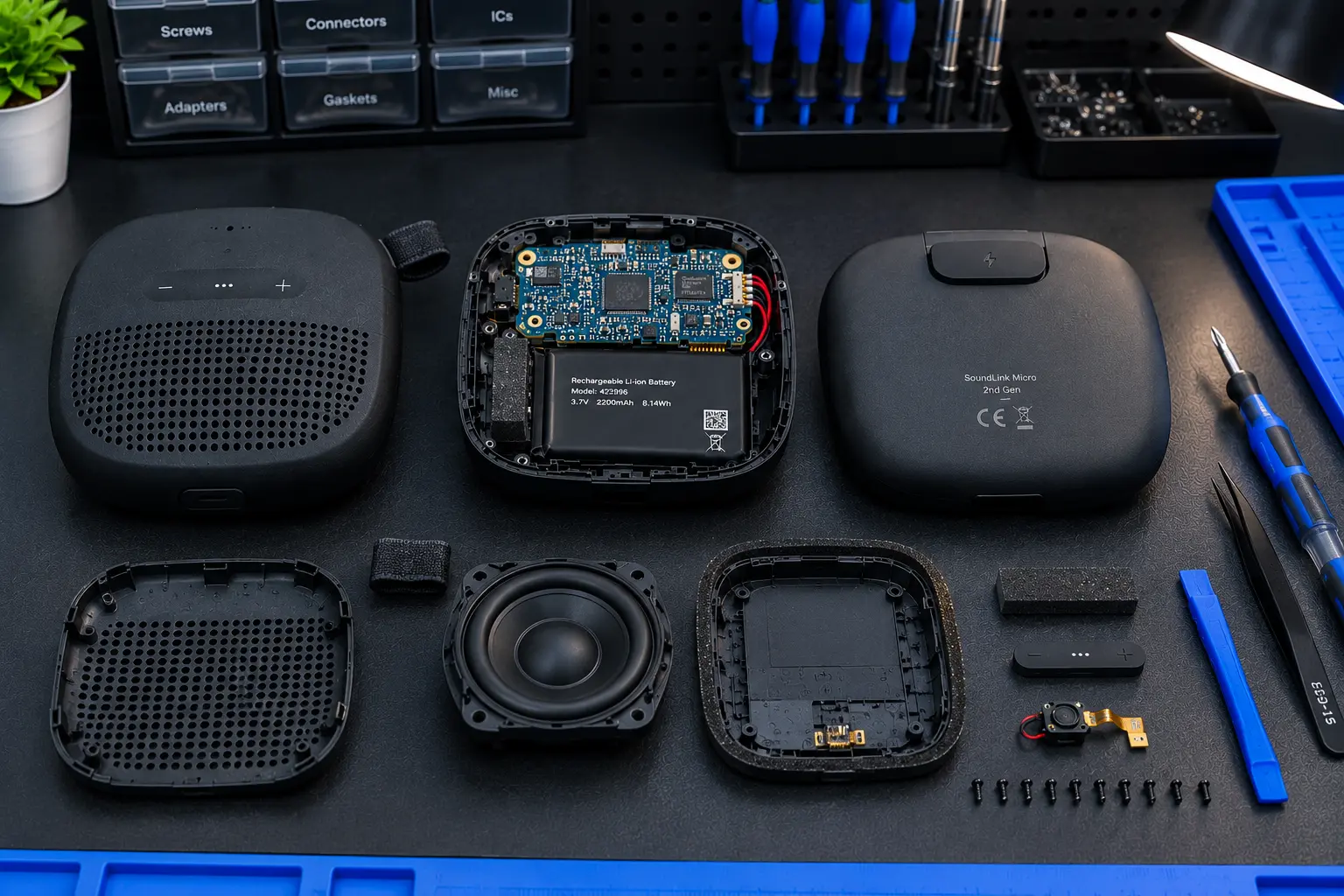
S1 Pro+ Repair Gallery

Units as they arrive and as they leave the bench.

Our Approach

Repair Guided By Test Results

Measured, Not Assumed

Findings come from testing the unit, not from the symptom alone.

Every Channel Tested

Combo inputs, aux, Bluetooth and line out are each checked.

Tested At Gig Volume

Faults often show only under load, so that is where we test.

Plain Advice

If repair is not worth it, you hear that up front.

Good To Know

S1 Pro+ Repair FAQ

If neither battery nor mains brings it to life, the power input, the battery management circuit or the main power section is likely at fault. Each is measured on the bench before any repair is suggested.

Very likely the battery has aged, though a fault in the charging or battery management circuit can look the same. Testing under load shows which one is responsible.

A worn combo input socket, a damaged connection on the board or a fault in that channel's preamp can cause this. Swapping known-good cables and mics first rules out the simple causes.

This usually means a worn or loose input socket or a weak solder joint on the board. Inputs take a lot of plugging and unplugging, and they are often repairable without replacing the whole unit.

Loud output demands a lot from the battery and power section, and a weak battery, a failing power stage or a damaged driver can all cause this. The speaker is tested at high output to find which.

The phone, its saved-device list and the app are ruled out first. If the problem remains, the Bluetooth section and its supporting circuitry are tested for a hardware fault.

The cost depends on the part that has failed and the work needed to repair or replace it. A figure is given only after the unit has been opened and tested.

No. BOSE SERVICE is an independent repair business. It is not affiliated with, sponsored by or authorized by Bose Corporation unless specifically stated otherwise.
Gig Coming Up?

Get your S1 Pro+ ready to play.

Tell us what it is doing and we will suggest the most sensible next step.

BOSE SERVICE is an independent repair business. It is not affiliated with, sponsored by or authorized by Bose Corporation unless specifically stated otherwise.