Bose Portable Smart Speaker Repair

Test Before Repair Real fault, not a guess
Cradle & Cable Charging Contacts, port & battery
Wi-Fi & Voice Checks Network and microphones
Estimate After Testing Cost follows the fault
Bose Portable Smart Speaker

A home speaker, a portable speaker and a voice assistant in one body.

The Bose Portable Smart Speaker combines Wi-Fi streaming, Bluetooth, a built-in battery, a microphone array in its top control pad and both Alexa and Google Assistant, all inside a 360-degree aluminium-and-fabric shell with a woven carry handle. That makes it more complex than a simple Bluetooth speaker, and a failure can sit in the battery, the charging path, the wireless section or the top pad. We trace which one it is before suggesting a repair.
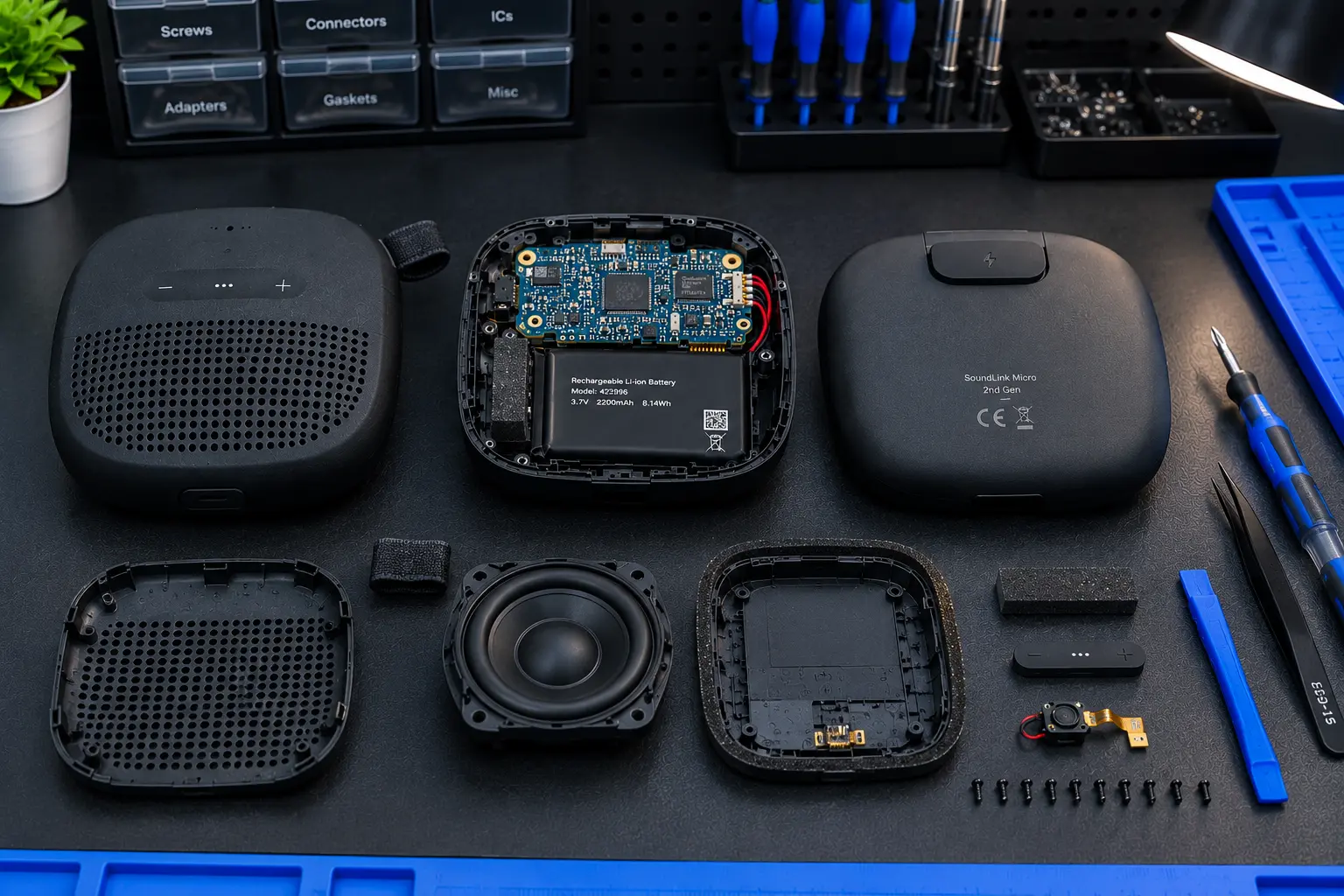
Bose Portable Smart Speaker opened for repair
Portable Smart Speaker On The Bench

What Gets Checked

  • USB-C port and cradle charging contacts
  • Battery health and runtime
  • Wi-Fi connection and stability
  • Bluetooth pairing
  • Microphone array and voice response
  • Top control pad and buttons
  • Audio output and signs of moisture
Symptoms We See

What Goes Wrong With The Portable Smart Speaker

Match your speaker's behaviour below. Several faults look alike, so the unit is tested before any decision is made.

Not Charging

No charge response from the cable, or charging that starts and then stops.

Cradle Does Not Charge

Works on the cable but sits on the cradle without charging.

Dead, No Response

No lights and no reaction to the power button, even after hours on charge.

Battery Dies Quickly

Runtime has collapsed or the speaker switches off with charge showing.

Wi-Fi Keeps Dropping

Will not join the network, loses it repeatedly or shows offline in the app.

Ignores Voice Commands

Alexa or Google Assistant does not respond, or hears you only sometimes.

Top Pad Misbehaving

Buttons ignored, laggy or acting on their own.

No Sound or Distortion

Silent while connected, or crackling, buzzing and weak output.

Spill or Splash Damage

Odd behaviour after a spill, rain or a drop on its side.

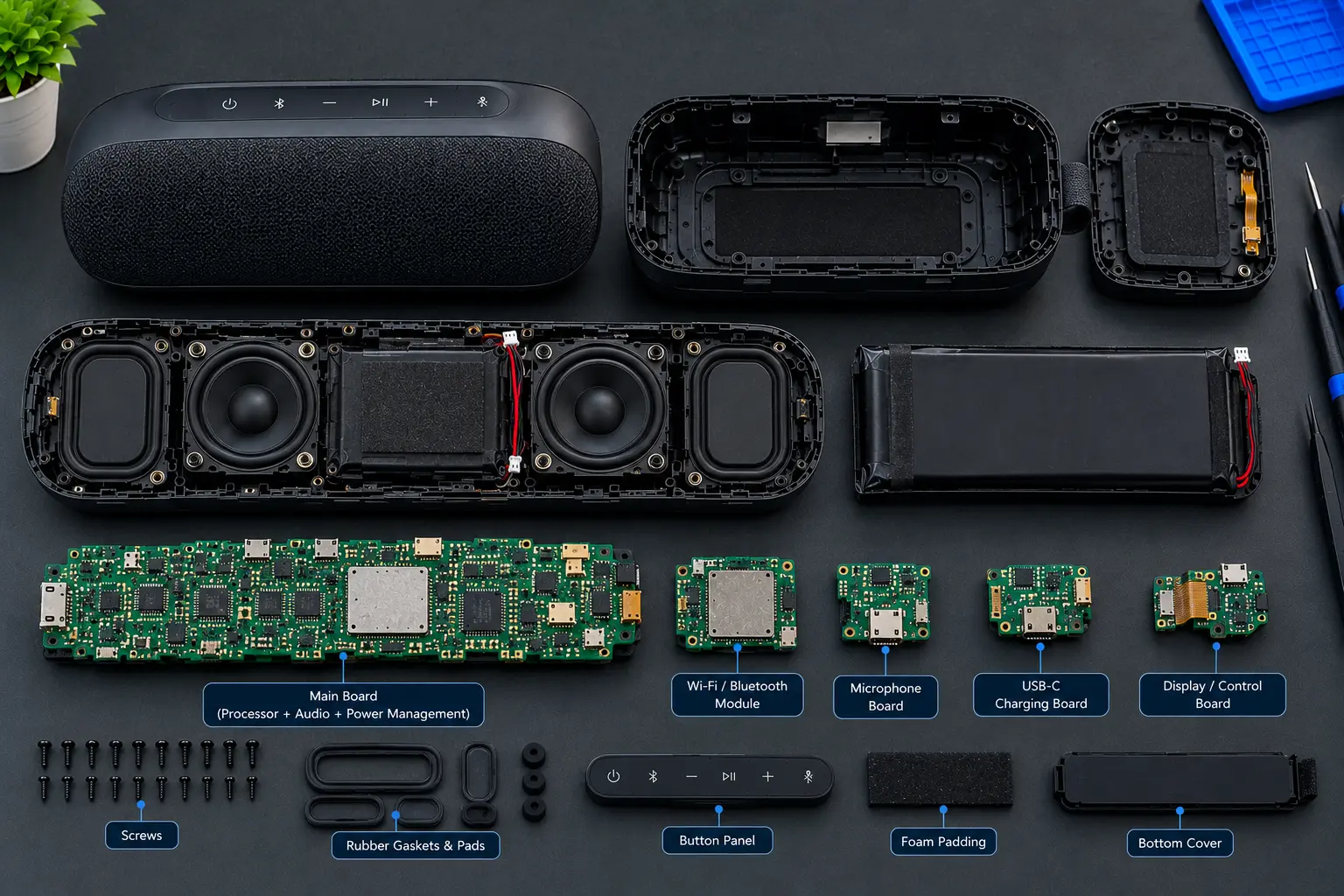
Bose Portable Smart Speaker internal board and battery
Board & Battery Inspection
Before You Replace It

A premium smart speaker is worth diagnosing properly.

This was a high-priced speaker when new, and when it fails the cause is often one part: a worn charging contact, an aged battery, a failed top pad or a wireless fault. The aluminium shell, drivers and fabric are usually still in good shape.

We pin down the failed part, explain what repairing it involves and let you compare the cost with a new speaker before you commit.

  • Failed part identified, not guessed
  • Cable, cradle, port and battery separated
  • Wi-Fi and voice checked after repair
  • Repair weighed against replacement
WEIGH IT UP

Is Your Portable Smart Speaker Worth Repairing?

It depends on what has failed. Compare the two routes before you spend.

SKIP THE CHECK

Replace With A New Speaker

You Pay The price of a new unit
Cause Of Failure Left unknown
Existing Speaker Usually discarded
Drawback Good hardware may be wasted
BOSE SERVICE OPTION
TEST FIRST

Diagnose, Then Decide

You Pay Quoted after testing*
Cause Of Failure Pinned down on the bench
Existing Speaker Kept in use if repairable
Approach Only the failed part is fixed
Note: *The estimate is set by the fault found and the part involved.
The Steps

Four Steps To A Working Speaker

01

Describe The Fault

Tell us the symptom, and whether it fails on the cradle, cable or both.

02

Open & Measure

Power path, battery, wireless section and top pad are checked one at a time.

03

Straight Recommendation

You are told what failed, whether to repair it and what that would cost.

04

Function Test

Charging, Wi-Fi, Bluetooth, voice and sound are tested before it is returned.

Our Work

Portable Smart Speaker Repair Gallery

Speakers as they arrive and as they leave the bench.

Our Approach

Repair Guided By Test Results

Measured, Not Assumed

Findings come from testing the unit, not from the symptom alone.

Cradle And Cable Both

Charging is tested both ways, so the real culprit is found.

Settings Ruled Out

Wi-Fi, app and mic-off settings are checked before blaming hardware.

Plain Advice

If repair is not worth it, you hear that up front.

Good To Know

Portable Smart Speaker Repair FAQ

That points to the cradle, its contacts or the matching contacts on the speaker base rather than the battery. Both are inspected so you know which part needs attention.

After trying another cable and adapter, the USB-C port, the charging circuit and the battery are tested separately. A deeply discharged or failed battery behaves very differently from a damaged port.

Reduced runtime commonly means an aged battery, though a fault in the power circuit can look the same. Testing shows which is responsible and whether replacing the battery is sensible.

Your router, password and Bose app setup are ruled out first. If the speaker still drops off, its wireless section and supporting circuitry are tested for a hardware fault.

It can be, but the microphone-off setting, Wi-Fi and account links cause the same symptom. The microphone array and the top control pad are tested to separate a hardware fault from a settings issue.

Faults in the top control pad, its connection to the main board or moisture beneath it can cause this. The pad is inspected and tested so that only the failed part is dealt with.

The cost depends on the part that has failed and the work needed to repair or replace it. A figure is given only after the speaker has been opened and tested.

No. BOSE SERVICE is an independent repair business. It is not affiliated with, sponsored by or authorized by Bose Corporation unless specifically stated otherwise.
Speaker Not Right?

Get your Portable Smart Speaker working again.

Tell us what it is doing and we will suggest the most sensible next step.

BOSE SERVICE is an independent repair business. It is not affiliated with, sponsored by or authorized by Bose Corporation unless specifically stated otherwise.